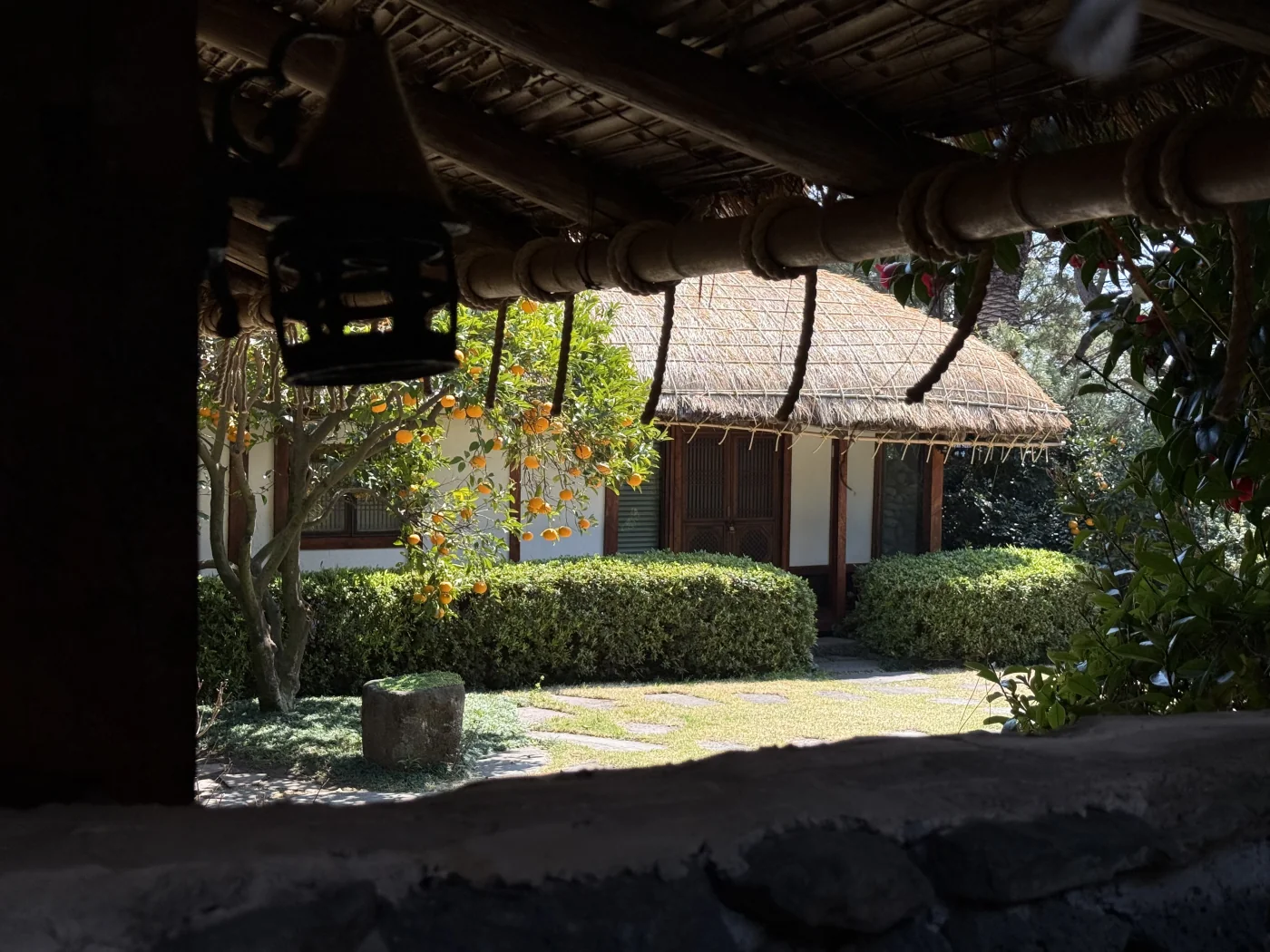
The moment you open the camera, AI guides you to the optimal composition in real-time. Automatically recognize 14 compositions including rule of thirds, golden ratio, and vanishing point, and get pro-level shooting advice.
GudoCam is an AI-powered camera app for iOS that recognizes 14 photo composition types in real time and overlays the optimal guideline on your viewfinder. It also provides on-demand shooting advice from an LLM coach.
Built for beginner photographers who want pro-level results — without generative AI. Every photo is captured by you, not generated.
With GudoCam's AI technology, anyone can shoot like a pro.
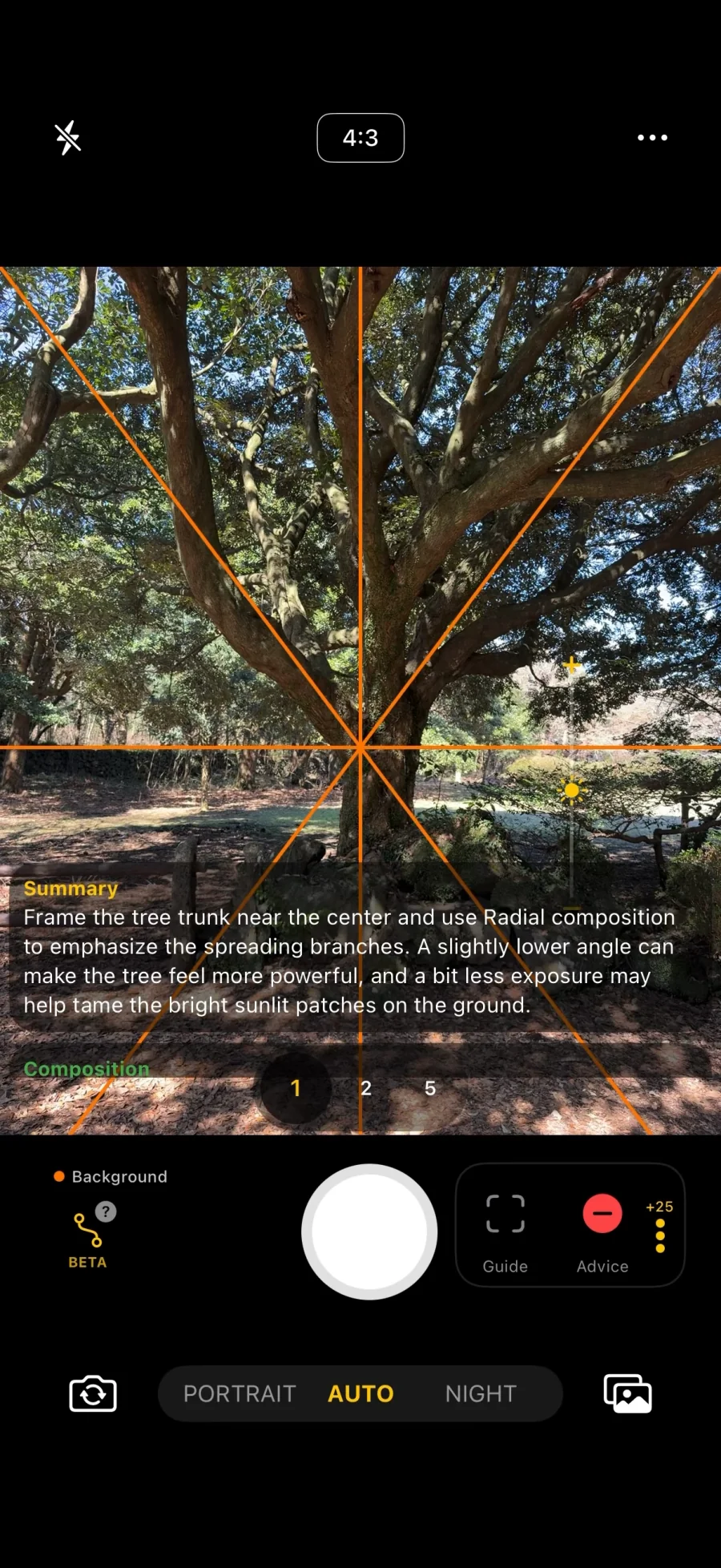
The deep learning model analyzes the camera view to recognize 14 compositions including rule of thirds, golden ratio, diagonal, and vanishing point in real-time. Optimal guidelines are automatically displayed on screen, so you can nail the perfect composition before pressing the shutter.
14 composition types auto-recognized
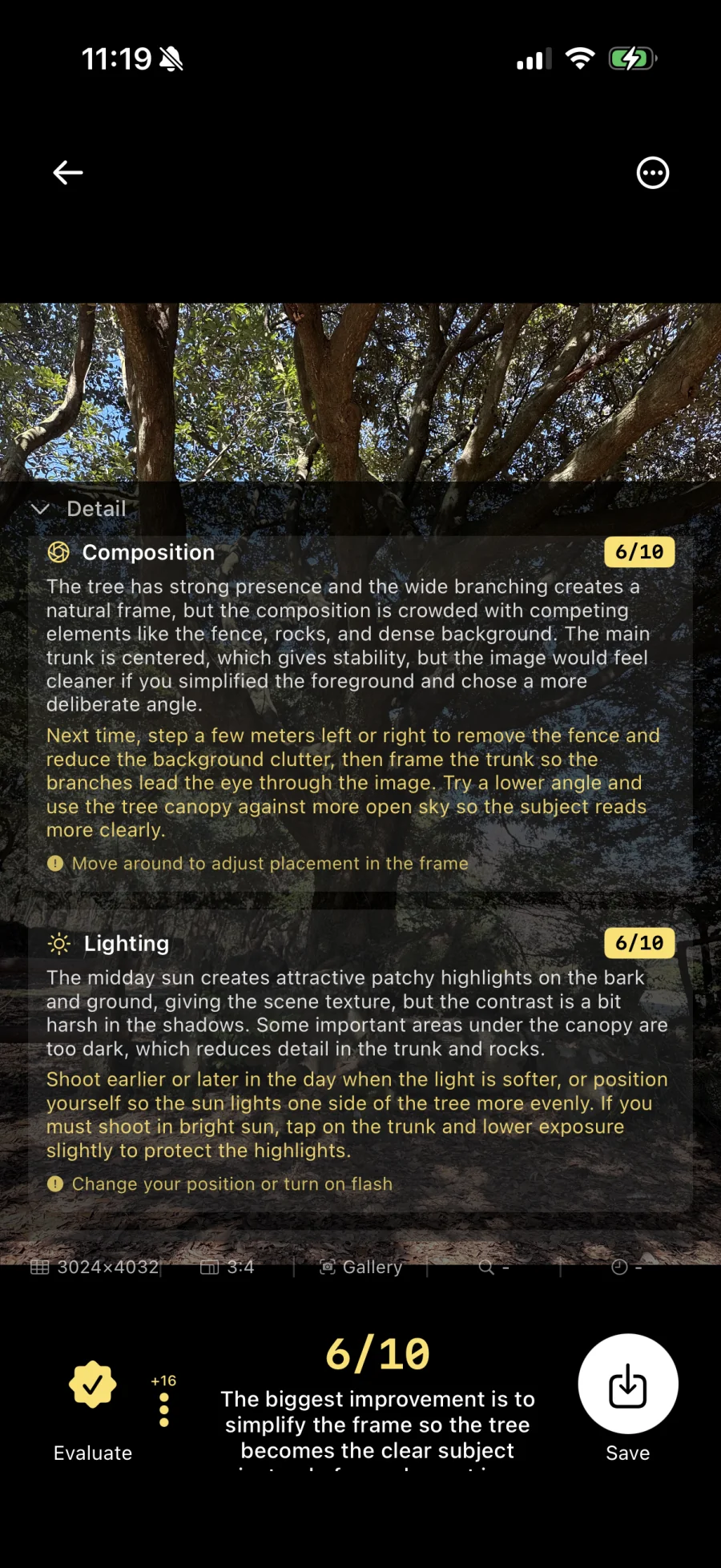
Get personalized advice on your current frame with just one button. From composition to lighting and subject placement — AI provides instant feedback like a professional photographer.
Get the best results in any shooting environment with Auto, Portrait, and Night modes. From background blur to night photography, switch with a single tap.
Auto shooting
Background blur
Night shooting
Pinch zoom, tap focus, flash toggle, and level. Control all camera features freely with intuitive gestures, no complex settings needed.
In an era of AI-generated images, the photos you actually capture are far more meaningful. GudoCam doesn't create images — it coaches you to take them yourself.
Drag to compare
From composition guide to AI evaluation — see how GudoCam coaches every shot.
Real-time feedback on every shot — the more you shoot, the more composition instincts become second nature.
AI recognizes 14 composition types — rule of thirds, golden ratio, diagonal, vanishing point, triangle and more. Optimal guidelines appear on screen in real-time, helping you align the overall frame before pressing the shutter.
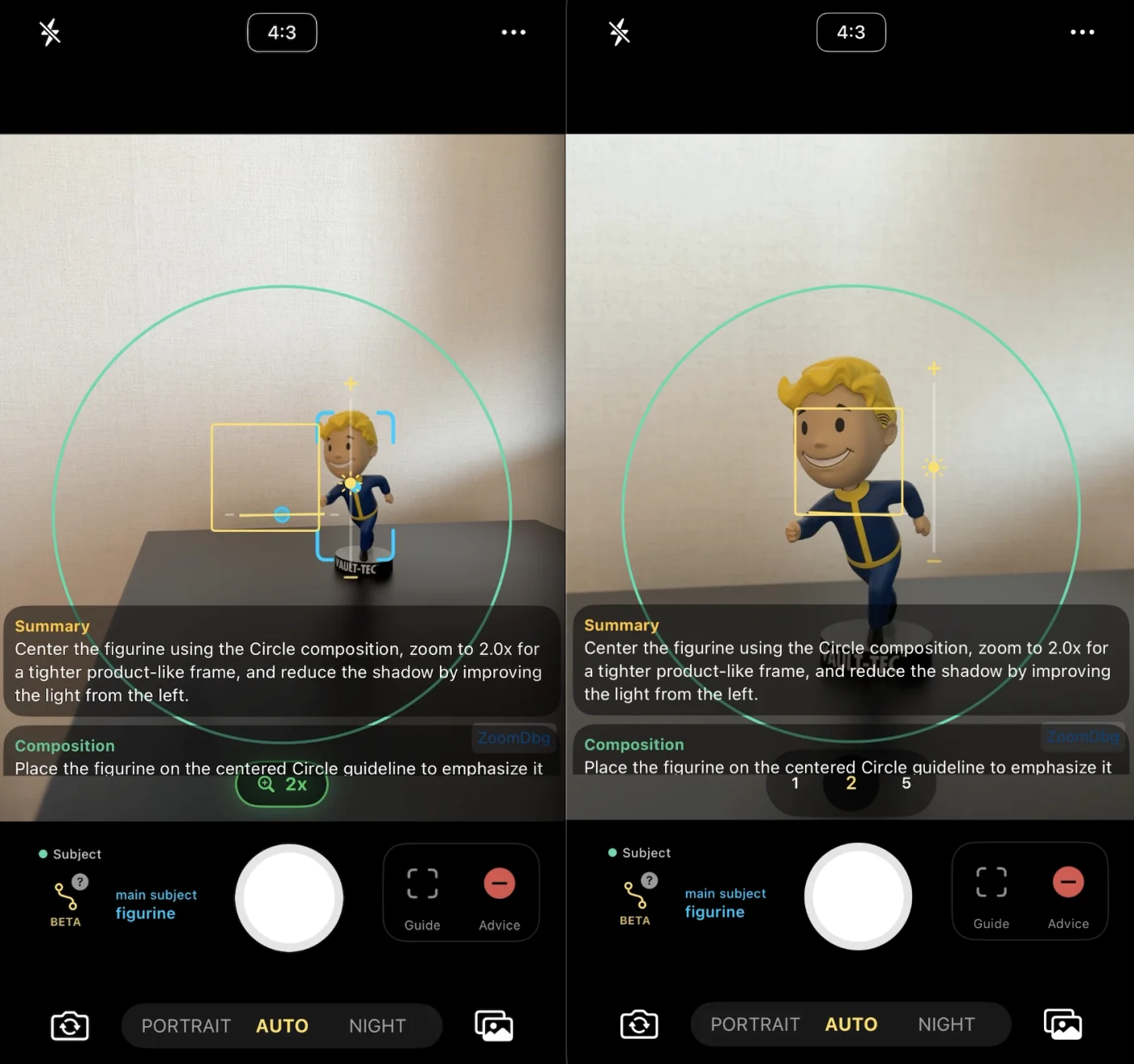
Object detection highlights your subject with corner brackets and a center dot, while AI places a suggested position dot on the optimal guideline intersection. Simply move the camera to align the two — an intuitive, visual way to nail the perfect placement.
When AI determines the frame needs a zoom adjustment, the recommended zoom level appears on the slider with a highlighted one-tap apply button. Instantly adjust to the suggested zoom — no manual fiddling required.
Composition
Move the subject to the left 1/3 intersection for a more balanced composition.
Lighting
Good natural light. Slightly lower the camera angle for warmer tones.
Zoom
Zoom in to 2.3x to fill the frame with the subject.
Get a comprehensive text summary that ties all guides together — composition, subject placement, zoom, and lighting. Detailed, actionable feedback helps you understand why each adjustment matters, building your photography skills with every shot.
Start shooting with AI right now
App StoreFollow GudoCam's 14 AI composition guides, and the rules start to feel natural. Learn photography through experience, not study.
Default
Center V
1/3 V
2/3 V
Rule of 3
Rule of 3 H
Cross
Diagonal
VP ↖
VP ↗
VP ↙
VP ↘
Triangle
Center H
Subject group in blue (where the main subject sits); Structure group in orange (how the frame is divided).
With GudoCam, composition sense becomes second nature.
GudoCam is an AI camera app for beginner photographers. It overlays real-time composition guides on the viewfinder, automatically recognizing 14 composition types (rule of thirds, golden ratio, vanishing point, and more), and provides on-demand shooting advice from an LLM.
Subject placement — Center Vertical, 1/3 Vertical, 2/3 Vertical, Cross, Triangle — and structural framing — Triple Vertical, Triple Horizontal, Radial 1–4, Center Horizontal — plus a default 'no guideline' mode.
No. GudoCam never generates photos. It only coaches you to take better photos yourself — every shot is one you actually captured.
Yes, the app is free on the App Store. AI shooting advice runs on a ticket system; daily free tickets are provided.
Composition recognition runs entirely on-device via Core ML, so no images leave your phone for this step. Only the optional AI shooting advice is processed in the cloud.
iOS is available now. Android is in development — join the waitlist to be notified at launch. Join waitlist →
Tap once on the camera screen and an LLM analyzes the current frame, returning feedback on composition, lighting, subject placement, and zoom — like a professional photographer looking over your shoulder.
No. Gudak Cam is a separate retro film-camera app by a different developer. GudoCam (구도캠) is an AI composition-guide app. They are unrelated products.
We welcome inquiries, feedback, and partnership proposals about GudoCam. Send us a message through the form below and we'll get back to you quickly.